<h2>What are the key challenges when filtering large Shopify product catalogs?</h2>
<p>Large Shopify stores often face difficulties such as lengthy load times, overwhelming filter options, and poor shopper navigation. Common challenges include managing thousands of SKUs, handling complex product attributes, and maintaining filter relevance to avoid shopper frustration. Without smart filtering solutions, customer experience and conversions can suffer.</p>
<h2>How can Hyper Search & Filter improve product filtering on Shopify?</h2>
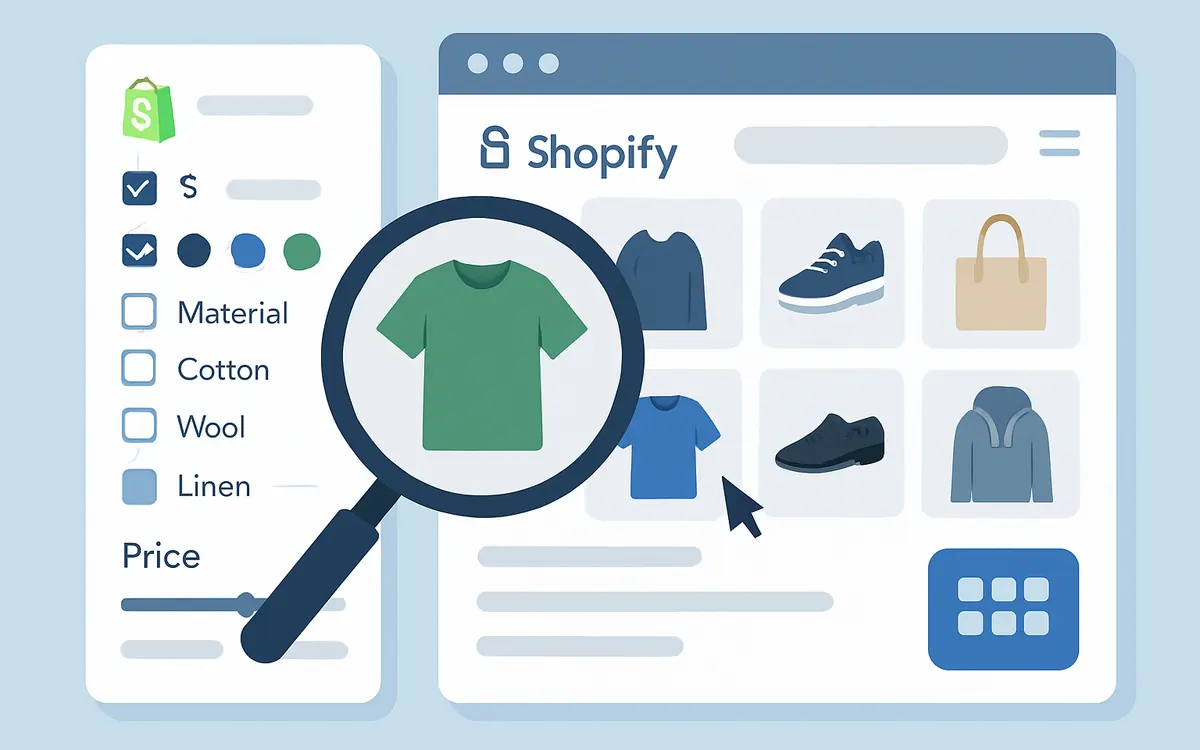
<p>NiagaraT’s Hyper Search & Filter app enhances Shopify product filtering by enabling dynamic, multi-faceted filters designed specifically for stores with extensive catalogs. It supports efficient querying to maintain site speed and offers customizable filter categories such as size, color, price, and custom tags. This setup lets shoppers quickly narrow products without overwhelming options or excessive loading delays.</p>
<h2>What best practices should I follow to optimize Shopify filters?</h2>
<ul>
<li><strong>Group similar attribute values:</strong> Combine related filter options (e.g., 'Red' and 'Crimson' under 'Color') to reduce clutter.</li>
<li><strong>Limit the number of filter values:</strong> Keep filters scoped to relevant options (max 200 unique values per group recommended).</li>
<li><strong>Use intuitive filter labels:</strong> Match filters to shopper intent such as fit, material, or technical specs rather than backend tags.</li>
<li><strong>Enable multi-select filters:</strong> Allow users to select multiple criteria simultaneously to refine search results effectively.</li>
<li><strong>Optimize for mobile:</strong> Ensure filters are easy to access and use on smaller screens.</li>
</ul>
<h2>How to implement and customize Hyper Search & Filter on Shopify?</h2>
<p>Installation is straightforward via the Shopify App Store. After installation, configure filters to match your catalog’s attributes. Leverage the app’s dashboard to map product tags, custom fields, and collections into filterable categories. Use Shopify’s Liquid templates to further customize filter appearance and behavior. For detailed steps, see our <a href="/resources/shopify-filter-setup-guide">Shopify Filter Setup Guide</a>.</p>
<h2>How does effective filtering impact SEO and conversions?</h2>
<p>Optimized filters improve user engagement by helping shoppers find products faster, decreasing bounce rates and increasing conversions. Filtered URLs can generate more indexable pages when properly managed, boosting SEO visibility. Avoid duplicate content by using canonical tags or noindex settings on filter pages with limited unique content.</p>
<h2>What should I do if my product filters slow down my Shopify store?</h2>
<p>Performance issues may arise from excessive filter options or unoptimized queries. Hyper Search & Filter is built to handle large datasets efficiently, but combining filters with server-side indexing and caching can further improve speed. Regularly audit filter groups to prune unused or redundant filter values and utilize Shopify’s native Search & Discovery app features in conjunction when appropriate.</p>
<h2>Comparison: Hyper Search & Filter vs. Shopify Search & Discovery Filtering</h2>
| Feature | Hyper Search & Filter | Shopify Search & Discovery |
|---|
| Designed for large catalogs | Yes | Limited scaling |
| Custom filter groups and tags | Full customization | Basic grouping |
| Multi-select filter capability | Yes | Yes |
| Performance optimization | Advanced indexing and caching | Basic filtering |
| Liquid customization support | Extensive | Moderate |
<p>For more insights on Shopify search and filters, visit our <a href="/resources/shopify-search-filter-best-practices">Shopify Search & Filter Best Practices</a> article.</p>
<h2>Frequently Asked Questions</h2>
<dl>
<dt>Can Hyper Search & Filter handle thousands of product SKUs?</dt>
<dd>Yes, it’s optimized for large catalogs with efficient indexing to maintain fast filtering performance.</dd>
<dt>Is there a limit to the number of filter options I can display?</dt>
<dd>Best practice is to keep filter groups under 200 unique values to avoid overwhelming shoppers and maintain speed.</dd>
<dt>Do I need coding skills to customize filters?</dt>
<dd>Basic setup requires no coding. For advanced customization, familiarity with Shopify’s Liquid templating is helpful.</dd>
<dt>Will filtering slow down my Shopify store?</dt>
<dd>Properly implemented filtering apps like Hyper Search & Filter use indexing and caching to minimize impact on loading times.</dd>
<dt>Can filtering improve my store SEO?</dt>
<dd>Yes, strategic use of filterable URLs can increase product discoverability when combined with SEO best practices like canonical tags.</dd>
</dl>
<p><em>As of July 2026</em></p>
<p><a href="/apps/hyper-search-filter">Start Filtering Smarter with Hyper Search & Filter</a> today to unlock a seamless shopping experience for your customers.</p>