
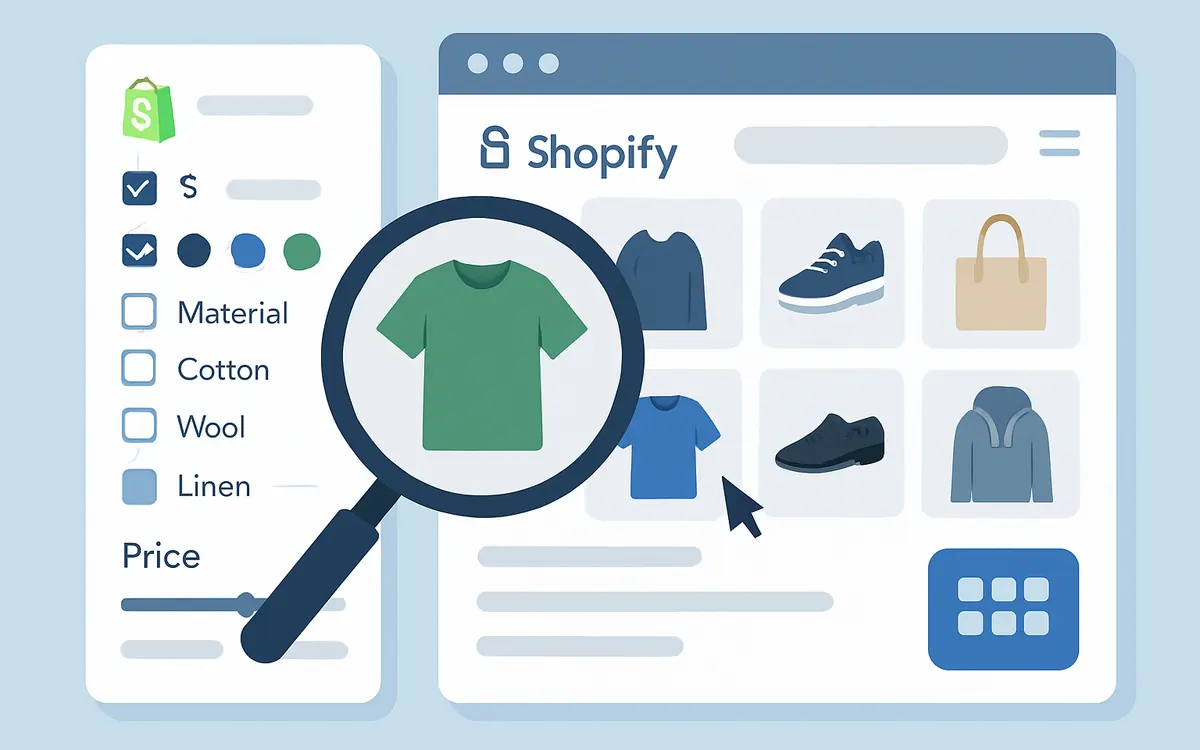
What are the best practices to optimize product filters in a large Shopify catalog?
Optimizing product filters for large Shopify stores means tailoring filters to shopper intent while avoiding overwhelming choices. Use filter groups that mirror key product attributes shoppers care about, such as size, color, material, and price range. Limit filter categories to those most relevant to your catalog segments, and reduce the number of filter options to meaningful selections — grouping similar values where possible. Leverage automated tagging and consistent vendor metadata to enable accurate filtering.
How does Hyper Search & Filter improve filtering for a Shopify store with thousands of SKUs?
Hyper Search & Filter is built to handle extensive product catalogs efficiently. It speeds up product discovery by offering dynamic, real-time filtering and search that updates instantly as users select filters. The app supports hierarchical filters and custom filter groups, allowing you to precisely organize your catalog. It also integrates seamlessly with Shopify's native Search & Discovery features to maximize performance without impacting site speed.
Can I customize which filters appear and how they behave in Shopify?
Yes, Shopify’s Search & Discovery app lets you add, rename, and edit filter sources directly from the admin panel. Hyper Search & Filter enhances this by letting you control filter logic and behavior for a smarter user experience. For example, you can set filters to work exclusively as AND or OR conditions or combine both. You can also adjust filter visibility based on user context or product availability.
How do optimized filters impact SEO and product discoverability?
Using structured filters improves keyword relevance on product listing pages and category pages, indirectly helping SEO by reducing bounce rates and increasing user engagement. Filters designed around shopper questions (e.g., by style, feature, compatibility) improve click-through rates by making navigation intuitive. To maximize SEO impact, ensure filter URLs are crawlable and avoid duplicate content issues through canonical tags or Shopify’s built-in controls.
What steps should I follow to implement Hyper Search & Filter on my Shopify store?
- Install the Hyper Search & Filter app from the Shopify App Store.
- Connect the app with your existing product catalog.
- Define filter groups based on your catalog’s key attributes.
- Configure filter behavior and appearance in the app dashboard.
- Test filters on various devices and refine based on shopper feedback.
- Monitor filter usage and sales metrics periodically to optimize further.
FAQ
Can I use Hyper Search & Filter with Shopify's native Search & Discovery?
Yes, Hyper Search & Filter complements Shopify’s native Search & Discovery by providing more advanced filtering options and performance optimization for large catalogs.
Is there a limit to how many filters I can add?
While Shopify’s Search & Discovery has practical limits (200 unique values per filter group), Hyper Search & Filter helps manage large sets via grouping and dynamic filtering to maintain fast load times.
Will adding many filters slow down my site?
When implemented correctly with Hyper Search & Filter, filtering functionality is optimized for speed and does not degrade site performance.
How do I ensure filter URLs are SEO-friendly?
Use Shopify’s URL structures for filters and apply canonical tags to avoid duplicate content, which Hyper Search & Filter supports.
As of July 2026
For additional insights on enhancing your Shopify store’s merchandising strategies, visit our Shopify Merchandising Tools page.
| Feature | Benefit | Applicable Store Size |
|---|---|---|
| Dynamic Filtering | Real-time product updates | Large catalogs (1000+ SKUs) |
| Custom Filter Groups | Tailored shopper experiences | All store sizes |
| SEO-Friendly URLs | Improves search engine indexing | All store sizes |
| Shopify Native Integration | Smooth compatibility with core features | All store sizes |
Start Filtering Smarter with Hyper Search & Filter to harness the full potential of your Shopify catalog's filtering capabilities and drive better conversions.


