As of July 2026, the best shoppable video placements on Shopify are the ones that match shopper intent: use video to answer questions, show product fit, and shorten the path to product details or add to cart.
Shoppable video works best when it supports the page’s job instead of interrupting it. On product pages, it can reduce uncertainty. On homepages, it can guide discovery. On collection pages, it can help shoppers compare options faster.
If you are planning placements for Hyper Shoppable Videos, start with the page where shoppers need the most reassurance, then expand to the pages that drive browsing and comparison.
Where should shoppable video go on a Shopify product page?
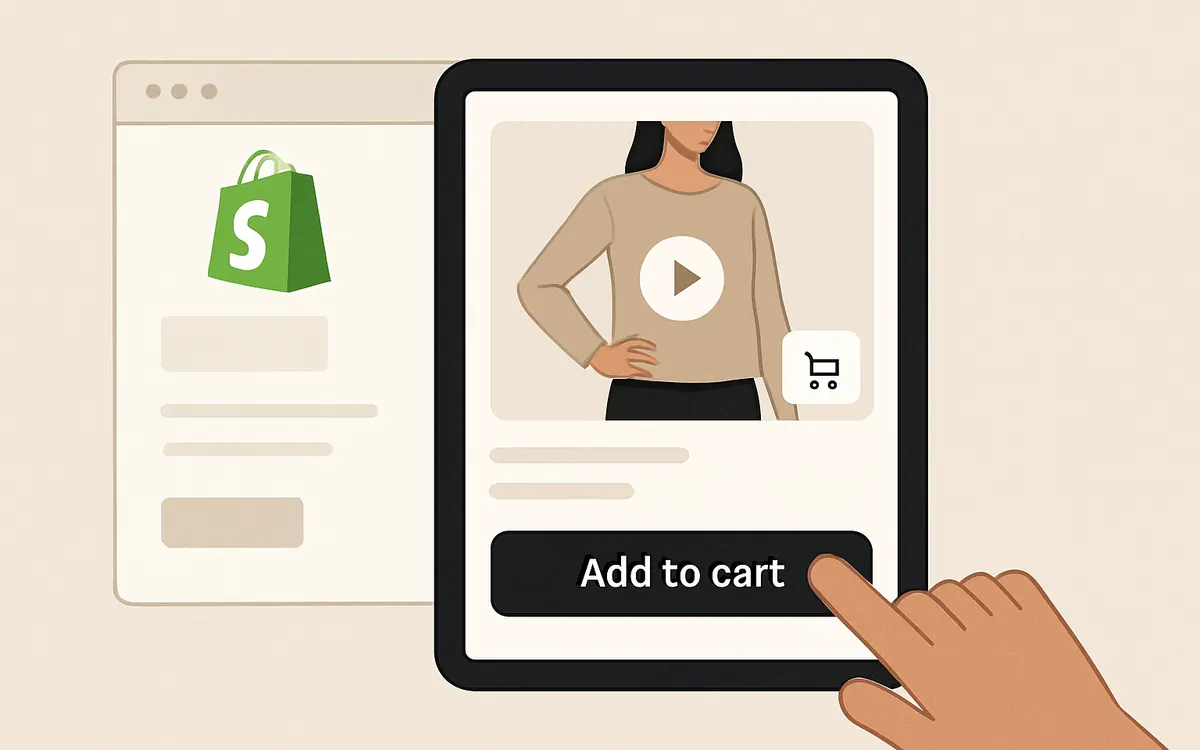
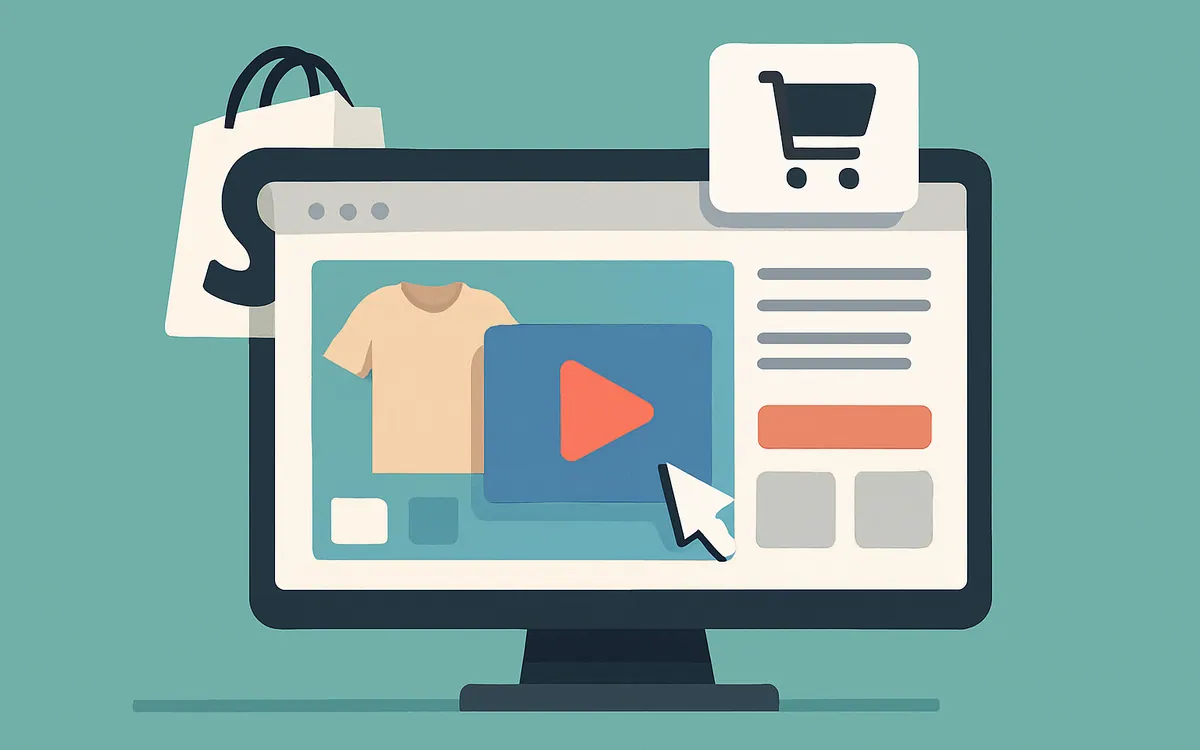
Place shoppable video near the first decision point on the product page: close to the gallery, under the main media, or beside the product details where shoppers are already evaluating the item.
That placement helps shoppers see the product in use without leaving the page or hunting for extra information. It is especially useful when the product needs visual explanation, size context, styling ideas, or proof of how it looks in a real setting.
Common product-page placements include:
- In the main media gallery, alongside images
- Below the hero media and above long-form details
- Next to size, material, or fit information
- Near variant selectors when differences are easier to show than describe
- Under the add-to-cart area as a “see it in use” section
Product pages are also a good place for short clips, UGC, or how-to demos that answer one shopping question at a time. Keep the video tied to a single product or variant so the CTA stays clear.
How do you use shoppable video on a Shopify homepage?
Use shoppable video on the homepage to guide discovery, not to overwhelm the first screen.
The homepage should help shoppers understand what your store sells and what to click next. A short shoppable video can do that by showing bestsellers, seasonal collections, or a product story in a format that feels more immediate than a static banner.
Good homepage placements include:
- A hero section with one focused shoppable clip
- A featured products row with videos for top sellers
- A seasonal story block that links into a collection page
- A “shop the look” section below the fold
- A lightweight video carousel that introduces categories
Keep homepage video simple. One clear message and one clear path work better than multiple competing product actions.
What is the best shoppable video placement on Shopify collection pages?
Collection pages are a strong place for shoppable video when shoppers are comparing products and need help narrowing choices.
Use video to show differences across similar products, styling variations, use cases, or feature highlights. This can make the collection page more useful than a grid of similar images alone.
Useful collection-page placements include:
- Video tiles mixed into product grids
- A featured video at the top of the collection
- Hover-to-play video previews for selected products
- A mid-page editorial block that highlights how to choose
- A “complete the look” section that links related items
Collection pages are often where shoppers browse before they commit. A well-placed shoppable video can keep them moving by making product differences easier to spot.
Which shoppable video placements support the most Shopify shopping journeys?
The most effective placements usually map to three shopper behaviors: evaluating, browsing, and comparing.
| Page type | Best placement | Shopper goal | Best video style |
|---|---|---|---|
| Product page | Near gallery or add-to-cart area | Confirm fit, function, or appearance | Demo, UGC, product close-up |
| Homepage | Hero or featured story block | Discover what the store offers | Brand story, bestsellers, seasonal edit |
| Collection page | Grid tile, featured section, or comparison block | Narrow options and compare products | Side-by-side, category explainer, styling clip |
A simple rule works well: place the video where the shopper is most likely to ask, “What does this look like?” or “Which one should I choose?”
How should shoppable video placements change based on product type?
Placement should follow product complexity.
For simple products, video can live lower on the page because the shopper may only need a quick visual check. For products with fit, texture, motion, or styling concerns, place video earlier so it helps remove hesitation sooner.
Examples by product type:
- Apparel: near size and fit details, plus collection pages for styling comparisons
- Beauty: beside ingredients, benefits, and how-to sections
- Home goods: in-gallery or above fold to show scale and use in context
- Accessories: near variant selectors if color or finish is the main decision factor
- Bundles: on the collection page or landing page to show how items work together
For Shopify merchants, the right placement is usually the one that answers the shopper’s biggest question before the shopper scrolls past it.
How do you keep shoppable video from hurting page speed or layout?
Use lightweight placements, clear sizing, and mobile-first behavior so video supports the page without slowing it down or breaking the layout.
Practical ways to protect the experience include:
- Load video only where it is needed
- Keep aspect ratios consistent across breakpoints
- Use concise clips instead of long loops
- Make sure the CTA remains visible on mobile
- Avoid stacking too many autoplay elements on one page
- Test the layout with images, variant selectors, and review blocks already in place
The goal is not to add video everywhere. The goal is to place it where it helps the page convert while staying easy to browse.
What should you test first when adding shoppable video to Shopify?
Start with one placement per page type and compare how shoppers interact with the page before expanding.
A useful test plan is:
- Add one product-page video near the main gallery or details area
- Add one homepage video in a featured or seasonal section
- Add one collection-page video tile or editorial block
- Review clicks, scroll depth, and add-to-cart behavior together
- Keep the placement that improves clarity without crowding the page
For more on implementation options, see the Hyper Shoppable Videos app page.
FAQ
What is shoppable video?
Shoppable video is video content with interactive product actions that help shoppers move from watching to product discovery or purchase-related steps without leaving the experience.
Is shoppable video only for product pages?
No. Product pages are common, but homepages and collection pages can also benefit when the video helps shoppers discover products or compare options.
What kind of video works best for Shopify merchandising?
Short demos, UGC, styling clips, and product-in-use videos usually work well because they answer practical shopping questions.
Should every product have shoppable video?
Not necessarily. Prioritize products where visuals reduce uncertainty, such as items with fit, movement, texture, size, or styling considerations.
Does shoppable video replace product photography?
No. Video works best alongside strong images, not instead of them.
How many shoppable videos should a page have?
Use as many as the page can support without making it harder to scan. One focused placement is often better than several competing video blocks.
Next step
If you are planning a rollout, start with the page that has the most shopper questions and the clearest path to action. Then expand to other pages that support discovery and comparison.