

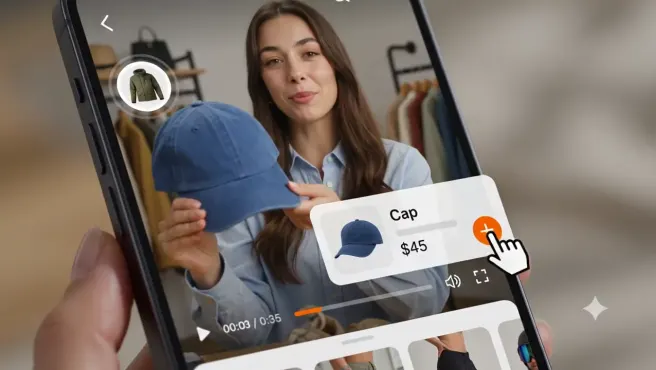
Product-Tagged Videos
Connect products to the items shown in a video so shoppers can identify and explore featured products without searching the catalog manually.
Product tags per video vary by plan from 1 on Free to unlimited on Pro.
Tag products inside videos, add interactive video widgets to your storefront, and let shoppers explore or add featured products to cart while watching.
Free includes up to 5 videos, 1 widget, and 1,000 monthly views. Paid plans include a 14-day trial.
As seen on


See how merchants connect products to videos, publish shoppable carousel and story-style widgets, and review views, product clicks, and add-to-cart activity.
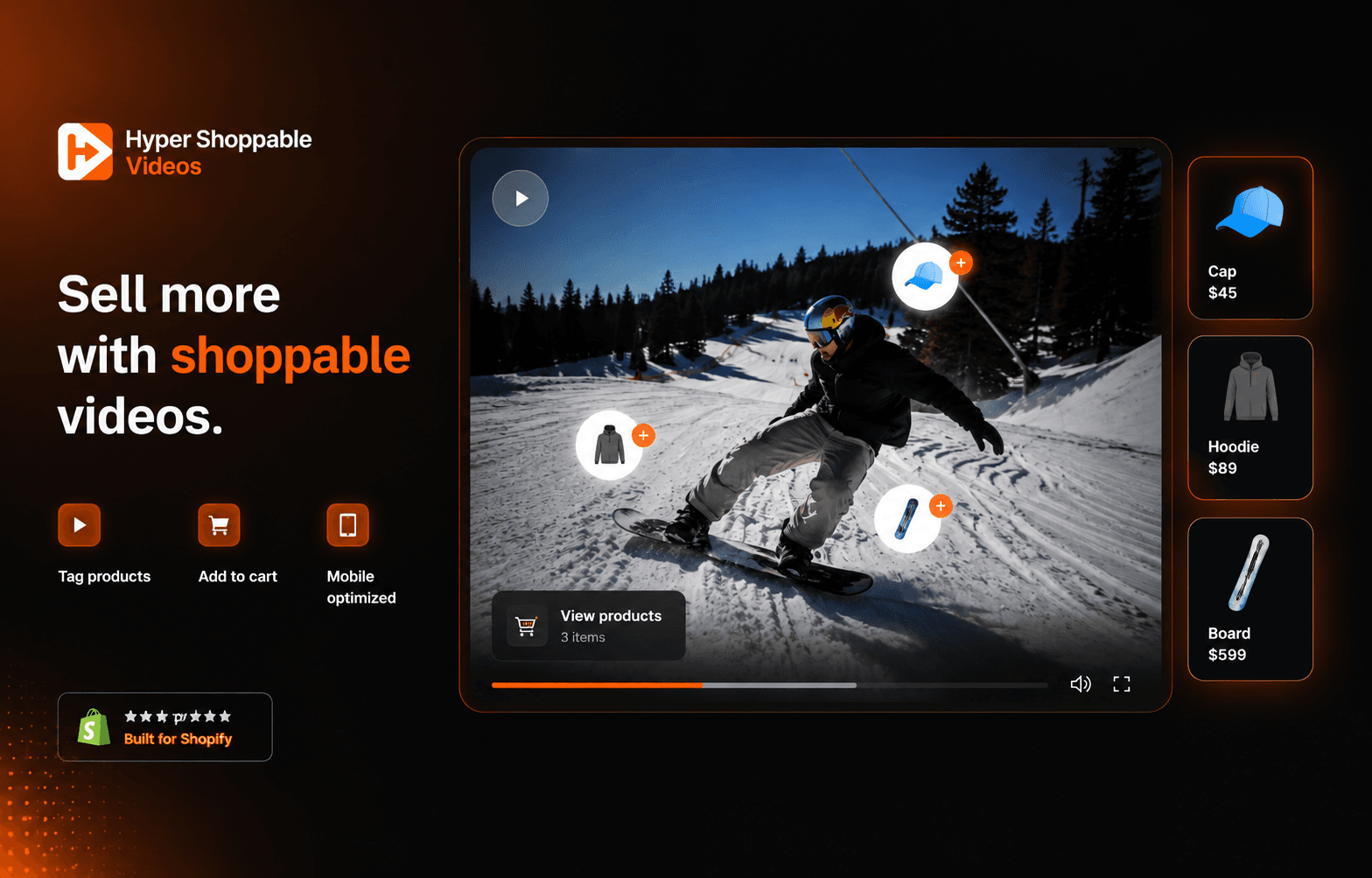
Shoppable video storefront widget
Show product videos with tagged items and shopping actions while keeping the page copy clear about supported behavior.
Product-tagged video workflow
Connect Shopify products to the items featured in video content so shoppers can open relevant product information.
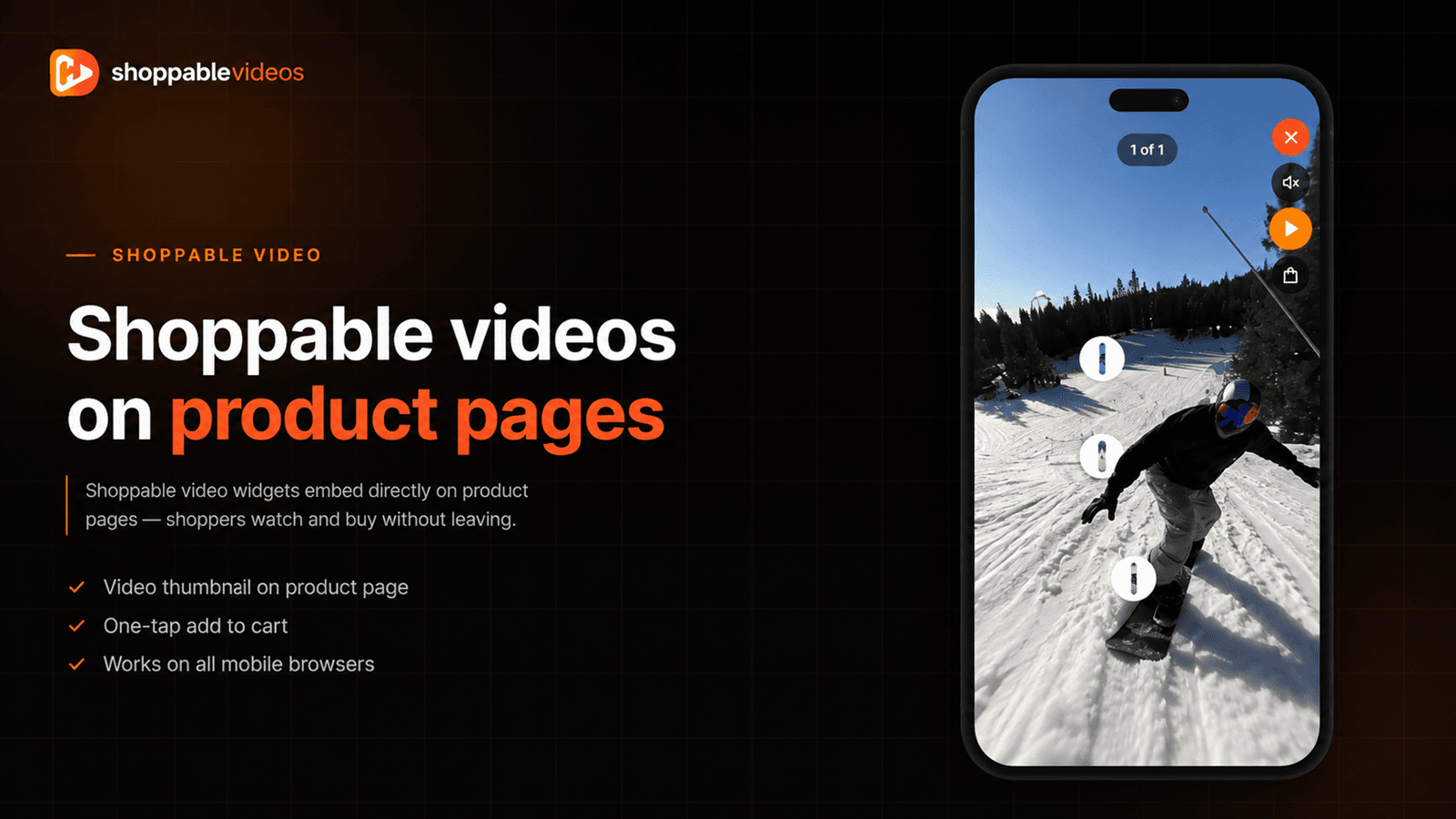
Video widgets and placements
Organize shoppable video widgets for storefront pages such as home, product, collection, and landing pages where supported.
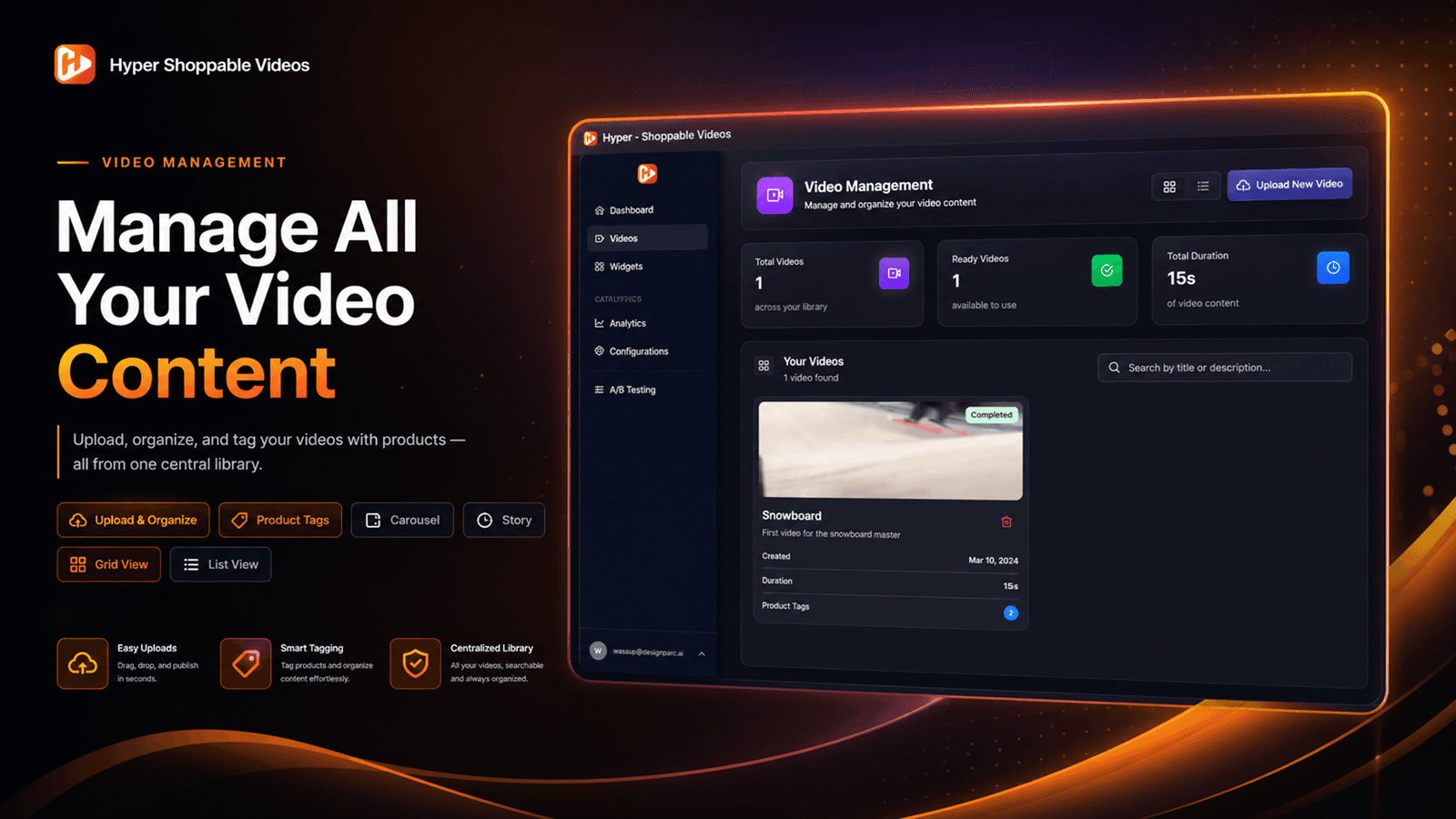
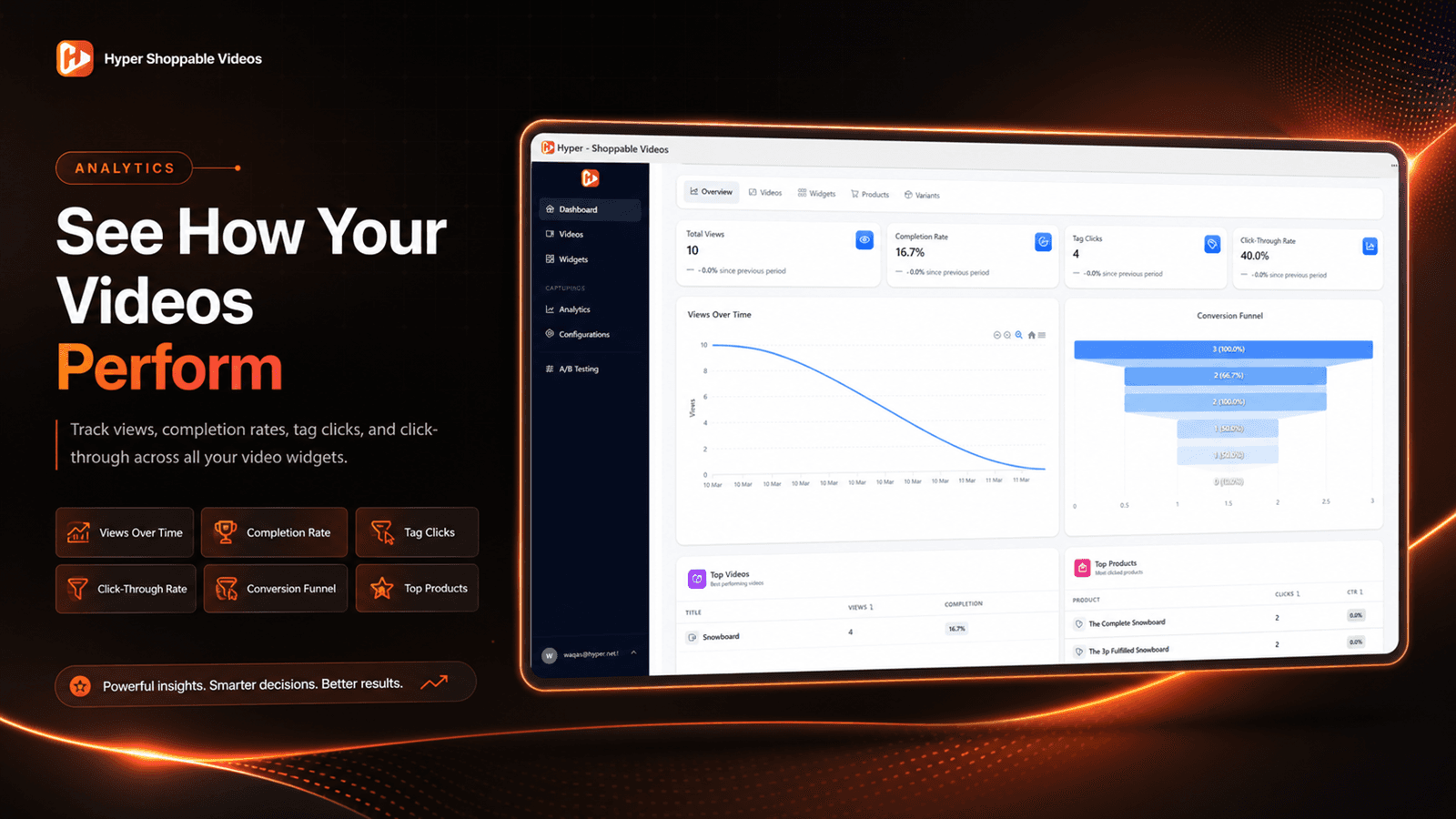
Video interaction analytics
Track verified views, product clicks, and add-to-cart events without presenting those actions as completed purchases.
A customer watches a styling video featuring three products. Instead of searching the catalog for each item, product tags can let the customer open the featured products directly from the video.
The public demo-store CTA is hidden until public access is confirmed. This crawlable walkthrough explains the verified workflow without sending shoppers to a password screen.
01
Add supported product demonstrations, tutorials, UGC, TikTok-style clips, or approved short-form content.
02
Connect one or more Shopify products to the items shown in the video.
03
Use product tags or supported hotspots so shoppers can identify products at the point of interest.
04
Publish a carousel, story-style placement, embedded video, or other supported storefront widget.
05
Track available views, product clicks, and add-to-cart events without treating them as completed purchases.
Each capability is qualified against the Shopify listing so the page avoids unsupported conversion, revenue, or engagement claims.
Connect products to the items shown in a video so shoppers can identify and explore featured products without searching the catalog manually.
Product tags per video vary by plan from 1 on Free to unlimited on Pro.
Place interactive points over products shown on screen so shoppers can open relevant product information at the point of interest.
Confirm exact hotspot controls in the app before promising plan-specific behavior.
Let shoppers add tagged products to cart from supported video widgets and plan configurations.
An add-to-cart event is not a completed checkout or purchase.
Display product videos in storefront widgets such as carousels, embedded videos, and mobile-responsive story-style placements.
The Shopify listing verifies video widgets, embedded videos, carousels, and mobile-responsive video.
Upload approved product videos or import supported short-form content for use in Shopify video widgets.
Free and Starter list manual upload and TikTok import. Growth and Pro list TikTok and Instagram uploads.
Use AI-assisted matching to help connect video content with relevant Shopify catalog products, then review suggestions before relying on them.
Starter includes 10 matches/month, Growth 75, and Pro 300. Confirm counting behavior with the product owner.
Track verified video views, product clicks, and add-to-cart events to understand how shoppers interact with video content.
Do not claim revenue attribution, ROAS, watch time, or completion rate unless verified.
Use only videos, music, creator content, customer content, trademarks, and product imagery that the business owns or has permission to use.
The Shopify listing discloses access to device activity, store owner data, customers, products, recent orders, and theme access.
Only upload or import videos, music, images, and creator content that your business owns or has permission to use.
Step 1
Install the app from the official Shopify listing and review the requested permissions.
Step 2
Add supported video files or import content from available sources that your business has rights to use.
Step 3
Select products and place supported tags or hotspots inside the video experience.
Step 4
Choose a carousel, story-style layout, embedded video, or other available widget placement.
Step 5
Monitor supported views, product clicks, and add-to-cart events.
A standard video embed may be enough when a merchant only needs playback. Hyper Shoppable Videos is intended for merchants who want product connections, shopping actions, specialized widgets, and video interaction analytics.
| Capability | Hyper Shoppable Videos | Standard video embed |
|---|---|---|
| Product tagging | Yes, plan limits apply | No |
| Product hotspots | Listed support | No |
| Add-to-cart actions | Supported from video widgets where configured | No |
| Multiple products per video | Yes, based on product-tag limits | No |
| Video carousels | Yes | Theme-dependent |
| Mobile stories | Yes | No |
| TikTok import | Listed | No |
| Instagram uploads | Growth and Pro | No |
| AI product matching | Starter, Growth, and Pro | No |
| View, click, add-to-cart analytics | Listed | Usually no specialized product analytics |
| A/B testing | Growth | No |
Pricing is managed from the shared Hyper app data object and verified against the Shopify App Store listing on 2026-09-02.
$0
Free plan
Best for testing one shoppable video widget.
$19/month
14-day free trial
Best for small video libraries and a few storefront placements.
$49/month
14-day free trial
Best for growing multi-page video programs.
$119/month
14-day free trial
Best for large video libraries, higher traffic, and HeyGen import.
Plans, limits, and included features may change. The Shopify App Store listing is the source of truth for current billing information. The listing verifies limits but not overage behavior, so do not promise upgrade, pause, or billing rules until the product owner confirms them.
Use the lowest plan that satisfies your number of videos, widgets, monthly video views, maximum product tags per video, and required features such as Instagram uploads, A/B testing, or HeyGen import.
Free
5 videos; 1 widget; 1 product tag per video; 1,000 monthly views
Starter
30 videos; 5 widgets; 3 product tags per video; 8,000 monthly views
Growth
200 videos; 15 widgets; 10 product tags per video; 40,000 monthly views
Pro
500 videos; Unlimited widgets; Unlimited product tags per video; Unlimited monthly views
FAQ schema is generated only from the visible questions below.
It is a video experience that connects featured products to the video so shoppers can open product information or use supported shopping actions while watching.
Yes, the Shopify listing describes add-to-cart behavior. This page describes it as an add-to-cart action, not a completed purchase.
Yes. Limits vary by plan: Free includes 1 product tag per video, Starter 3, Growth 10, and Pro unlimited product tags per video.
Product hotspots are interactive points placed over products in a video so shoppers can open relevant product information.
The listing verifies video widgets, embedded videos, carousels, and mobile-responsive video. Test exact widget locations on your Shopify theme.
Yes, carousels are listed as a supported storefront video experience.
Yes, the listing includes mobile-responsive video and mobile stories imagery.
Yes. TikTok import is listed on Free and Starter, and TikTok uploads are listed on Growth and Pro.
Growth and Pro list TikTok and Instagram uploads. Confirm the exact import method before relying on automated syncing.
Yes, if your business owns or has permission to use the video, music, likenesses, trademarks, product imagery, and other content.
The listing shows HeyGen support, and Pro lists HeyGen import.
It helps connect video content with relevant Shopify catalog products. Suggestions should be reviewed by the merchant.
The listing verifies video views, product clicks, and add-to-cart events, with analytics level varying by plan.
Revenue attribution is not verified from the listing, so this page does not claim sales tracking.
The Shopify listing verifies monthly-view limits, but does not document overage behavior. Confirm this before promising upgrades, pauses, or charges.
Standard setup is designed to use Shopify app and theme tools. Custom themes may require additional configuration.
Any video widget can affect performance. Use posters, lazy loading, stable dimensions, and theme testing before publishing.
Choose by video count, widget count, monthly views, product tags per video, import sources, AI-match needs, A/B testing, and HeyGen import.
Yes. Free includes 5 videos, 1 widget, 1 product tag per video, and 1,000 monthly views.
Paid plans list a 14-day free trial.
Use the on-page walkthrough for now. The live demo-store CTA should only be promoted after public access is confirmed.
The listing discloses device and activity data, store-owner data, customer data, products, collections, recent order history, and Online Store theme access.
Continue reading
A practical UX audit for Shopify shoppable video: remove discovery gaps, missing product context, awkward controls, and mobile interruptions between a view and a purchase.

Shoppable video boosts Shopify store engagement and conversions by letting customers buy products directly from videos, streamlining their shopping journey.
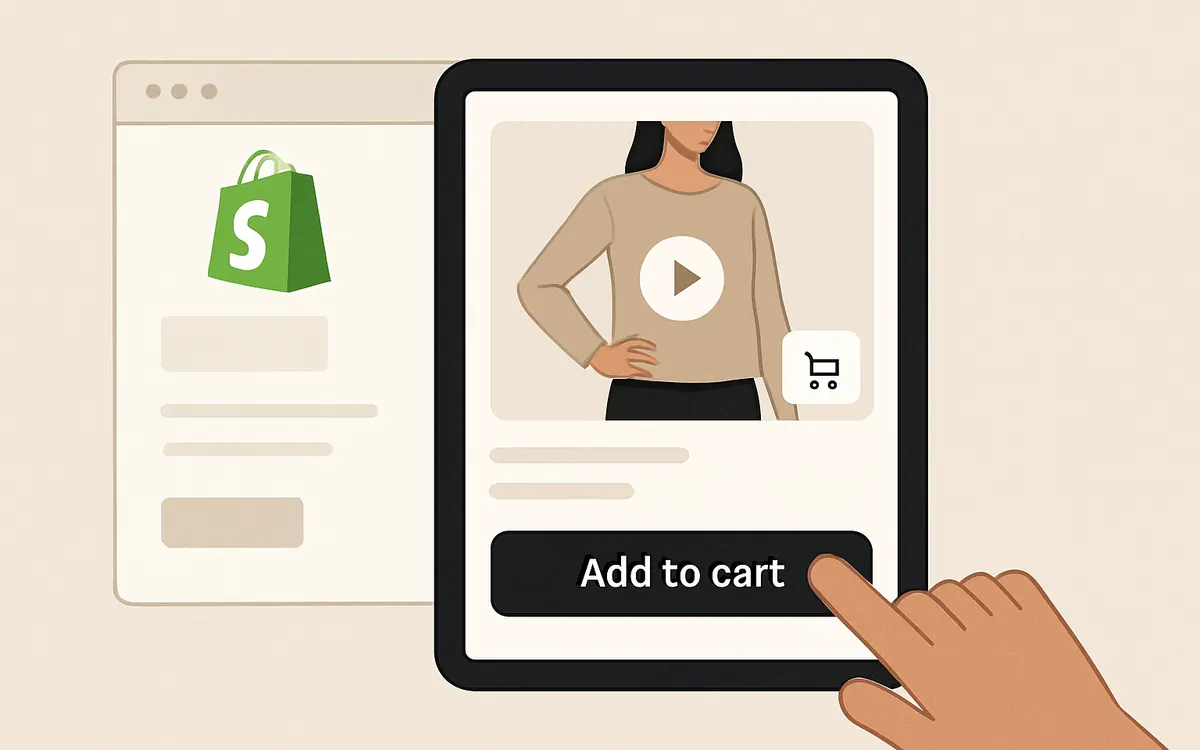
Learn where to place shoppable videos in a Shopify store, how each placement supports discovery or conversion, and when to use product-page, collection-page, homepage, and cart-adjacent formats.

Learn how to collect UGC videos from Shopify customers using post-purchase requests, submission forms, incentives, permission agreements, and a repeatable content workflow.
Install Hyper Shoppable Videos free for up to 5 videos and 1,000 monthly views, or start a 14-day trial of a paid plan.