
What is Hyper Search & Filter and how does it improve ecommerce merchandising on Shopify?
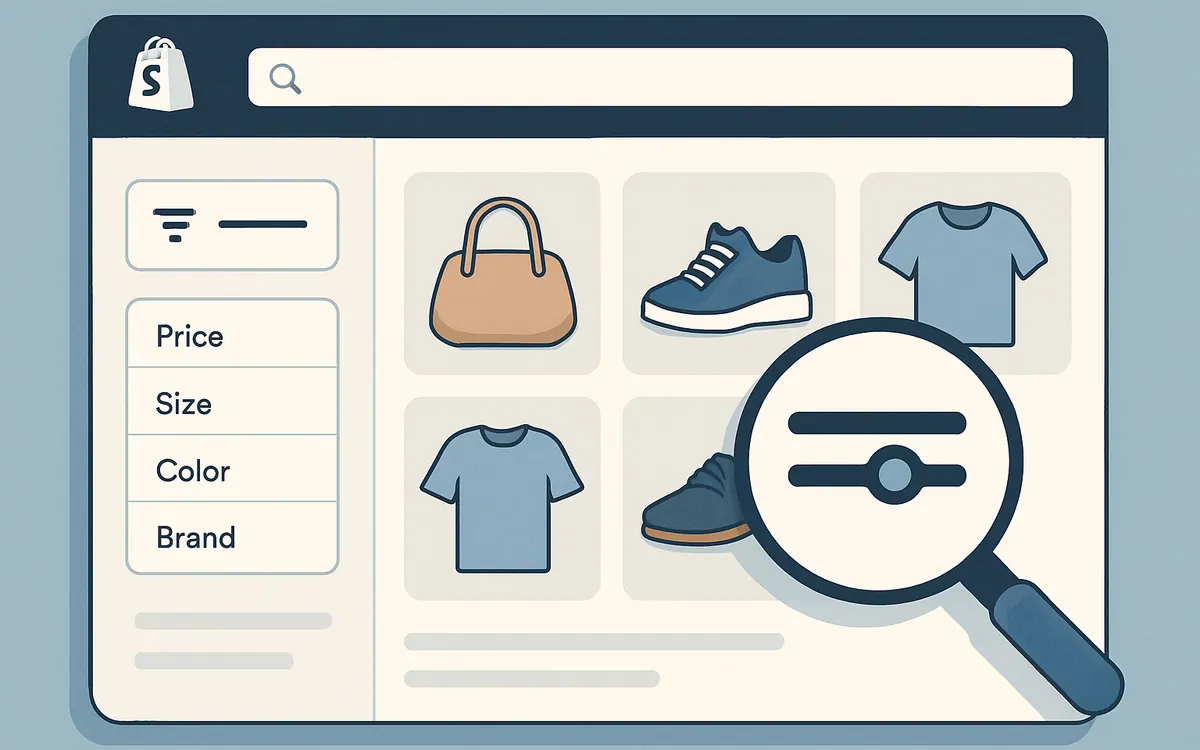
NiagaraT's Hyper Search & Filter is a Shopify app designed to enhance product discovery and streamline the customer shopping journey. By adding multi-layered, customizable filters on collection and search result pages, merchants can help shoppers quickly find products based on attributes such as price, size, color, brand, and more. This precision filtering reduces friction and increases the likelihood of conversion.
How do Shopify merchants set up filters using Hyper Search & Filter?
Setting up filters with Hyper Search & Filter requires connecting the app to your Shopify store and selecting attributes relevant to your product catalog. The app supports dynamic filtering by tags, variants, availability, and metafields—allowing merchant control without coding. Filter groups can be created and tailored to specific collections, ensuring shoppers see relevant refinement options that align with your merchandising goals.
Why are search and filter capabilities critical for Shopify ecommerce stores?
Robust search and filtering capabilities enhance product discoverability, especially for stores with large catalogs. Enabling shoppers to narrow down products by multiple criteria improves user experience, reduces time-to-find, and minimizes bounce rates. When customers find exactly what they want efficiently, it increases sales potential and customer satisfaction.
What best practices should Shopify merchants follow when using Hyper Search & Filter?
- Regularly audit product tags and attributes for consistency to ensure filters function accurately.
- Use clear filter labels reflecting shopper language and synonyms.
- Limit the number of filters to avoid overwhelming users; prioritize high-impact attributes like price, availability, and key variants.
- Test filter performance on mobile and desktop devices.
- Leverage insights from Shopify Analytics or Hyper Search & Filter usage data to optimize filter placement and options.
Can Hyper Search & Filter be integrated with other Shopify apps or customization?
Hyper Search & Filter complements other Shopify merchandising tools, and can be integrated alongside apps managing product reviews, recommendations, or advanced search. It supports metafields and standard Shopify product data, allowing flexible customization. For advanced storefront modifications, developers can utilize Shopify's Liquid templating to seamlessly embed filters into the theme.
Hyper Search & Filter Features Overview
| Feature | Description |
|---|---|
| Multi-attribute filters | Filter products by price, size, color, brand, tags, and more |
| Dynamic filter groups | Organize filters per collection or storefront section |
| Metafield support | Extend filtering to custom product data |
| Mobile-friendly design | Responsive filters optimized for smartphones and tablets |
| Analytics integration | Track filter usage to refine merchandising strategy |
Frequently Asked Questions (FAQ)
Q: Is Hyper Search & Filter suitable for stores with small product catalogs? A: While any store can benefit, the app is especially impactful for mid-to-large catalogs where filtering enhances product discoverability.
Q: Does Hyper Search & Filter require coding skills to implement? A: No coding is required for basic setup and filter creation; however, developers can customize filters further using Shopify Liquid.
Q: How does Hyper Search & Filter handle synonyms or alternative search terms? A: While primarily focused on filtering, pairing this with Shopify's Search & Discovery app helps manage synonyms and search term mapping.
Q: Can I customize filter labels and order? A: Yes, merchants can customize filter labels and control the order in which filters appear to optimize shopper experience.
As of July 2026
For detailed guidance on Shopify merchandising and product discovery, visit our Merchandising Tools page to explore additional resources and apps tailored for Shopify merchants.
Ready to elevate your ecommerce merchandising? Learn Merchandising Best Practices with NiagaraT's expert insights.
What Advanced Filtering and Search Features Does Hyper Search & Filter Offer?
Hyper Search & Filter is designed to deliver a nuanced browsing experience, essential for stores managing large catalogs. Here are the key features:
- AI Search: Offers relevant search results with support for synonyms and typo tolerance.
- Instant Suggestions: Delivers real-time product suggestions as customers type, reducing search time.
- Advanced Faceted Filters: Customers can filter products by variants, price, availability, custom tags, and more.
- Flexible Merchandising Rules: Allows merchants to prioritize or boost certain products based on marketing goals.
- Performance at Scale: Supports catalogs exceeding 25,000 products without compromising speed.
| Feature | Benefit | Applicability |
|---|---|---|
| AI Search | Improves accuracy and relevance | All store sizes, critical for large catalogs |
| Typo Tolerance | Avoids search dead-ends due to misspellings | Enhances user experience across SKUs |
| Instant Suggestions | Accelerates product discovery | Boosts conversion during search |
| Faceted Filters | Enables granular browsing | Essential for high SKU stores |
| Merchandising Control | Customizes product rankings | Supports marketing and sales strategies |
For a thorough implementation of search and filtering enhancement, explore the seamless integration offered by Hyper Search & Filter.
How Does Hyper Search & Filter Impact Conversion and Customer Experience?
Effective search and filtering directly influence customer satisfaction and conversion rates. Hyper Search & Filter enhances these metrics by:
- Reducing the time customers spend looking for specific items.
- Delivering personalized search results that match shopper intent.
- Decreasing frustration caused by irrelevant or empty search results.
- Allowing merchants to highlight promotions or priority products via merchandising rules.
These improvements create a smoother, faster path to purchase, especially valuable for stores with extensive product lines where discovery without proper tools can be overwhelming.
FAQ
What size of Shopify stores benefits most from Hyper Search & Filter?
Stores with large product catalogs (thousands of SKUs) will see the biggest impact, but smaller stores can also benefit from enhanced search accuracy and filtering options.
Can I customize the filters available to my customers?
Yes. Hyper Search & Filter offers advanced faceted filtering that is fully customizable to your store’s product attributes and customer preferences.
Does Hyper Search & Filter support mobile devices?
Absolutely. It is designed to ensure fast, responsive search and filtering on all device types.
Is the AI Search feature able to handle misspelled queries?
Yes. The app includes typo tolerance to catch common misspellings and still deliver relevant results.
How does Hyper Search & Filter differ from Shopify's native Search & Discovery app?
While Shopify's native app offers basic search and filtering, Hyper Search & Filter adds AI-driven relevance, instant suggestions, and advanced merchandising controls tailored for high SKU environments.
As of July 2026, Hyper Search & Filter remains a practical tool for Shopify merchants aiming to enhance search, navigation, and merchandising in large catalogs.
For ongoing tips and resources on optimizing your Shopify store, visit our resources page to learn more about best practices and other supporting apps.


