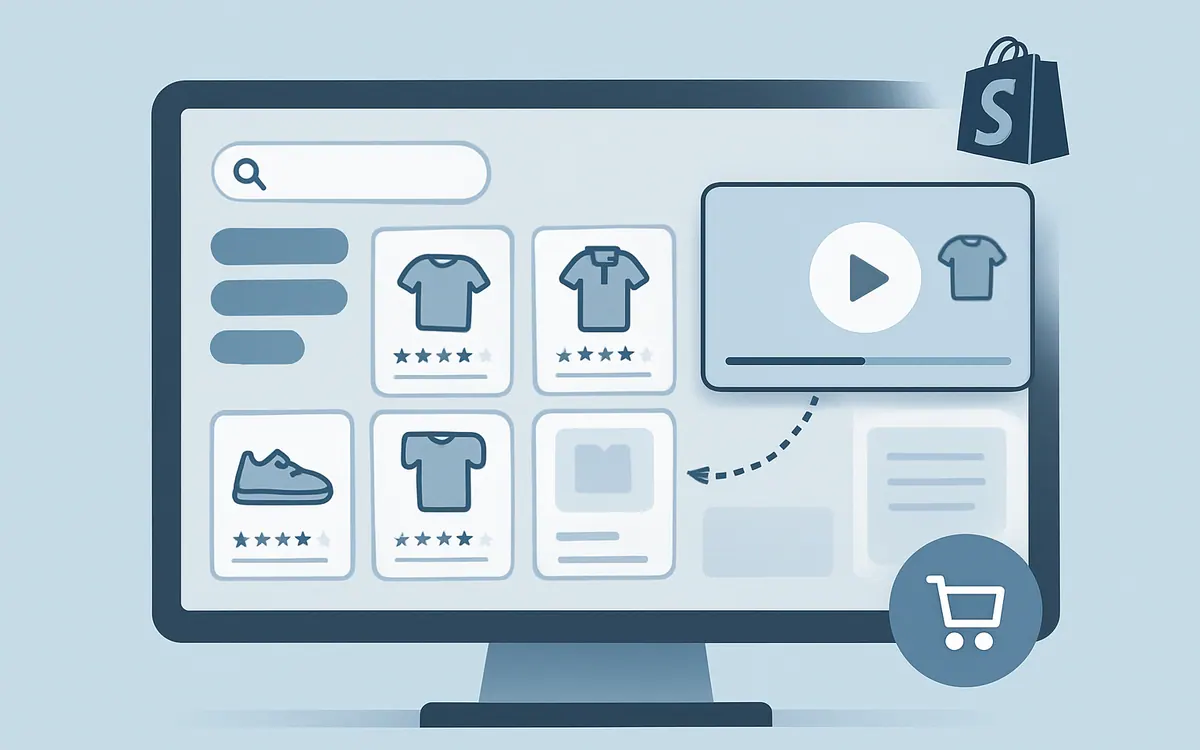
What is the Shopify shoppable video setup checklist for non-technical merchants?
The Shopify shoppable video setup checklist is a clear, step-by-step guide designed to help Shopify merchants add interactive, clickable product videos to their stores without writing code or hiring developers. It ensures you tackle all the necessary steps with Hyper Shoppable Videos, the Hyper Apps tool built to simplify shoppable video creation and management.
This checklist covers everything from preparing your product catalog and recording engaging video content through to tagging products within the videos and embedding them on your Shopify store. It breaks down the process so non-technical store owners and marketers can confidently implement shoppable video to improve product discovery and boost conversions.
Using Hyper Shoppable Videos with this checklist means you avoid complex integrations or custom coding. Instead, you focus on your content and customer experience while relying on a proven Shopify app to handle the technical parts.
Why should you use a checklist to set up shoppable videos on Shopify?
A checklist keeps your setup organized and prevents missing critical steps that could cause delays or functionality issues after launch. Shoppable video can touch multiple parts of your store, including product data, media hosting, video interactivity settings, and page embedding.
Non-technical merchants benefit from a checklist because it:
- Clarifies each setup stage with actionable items
- Saves time by reducing trial and error
- Minimizes reliance on developer help
- Helps troubleshoot if a shoppable video doesn’t work as expected
Skipping a proper sequence risks creating videos that look good but don’t allow product purchasing, hurting customer trust and sales. This checklist aligns your efforts, ensuring every shoppable video performs.
How to use Hyper Shoppable Videos safely without technical knowledge?
Hyper Shoppable Videos is designed to be user-friendly for merchants without coding skills. The app provides an interface to upload videos, tag products, and generate embed codes. Here’s the basic approach:
- Prepare your product inventory and ensure your Shopify catalog is up to date.
- Create or source product demonstration videos optimized for ecommerce (quality, length, format).
- Upload the videos to Hyper Shoppable Videos via the app dashboard.
- Tag the exact products appearing in the videos directly within the app’s tagging tool.
- Customize the interactive elements—buttons, hotspots, or overlays—that link to product pages or carts.
- Generate embeddable video blocks or shortcodes specifically formatted for your Shopify theme.
- Insert these into product pages, collections, or landing pages using Shopify’s drag-and-drop page editor or theme customization tools.
- Preview and test the video on desktop and mobile to verify product tags trigger correctly and buying flows complete.
This process requires no custom scripting or API work. The Hyper Shoppable Videos app manages all backend integrations with Shopify’s product data and checkout flows.
Shopify shoppable video setup checklist
- Choose the right video content: Keep videos between 15-60 seconds focusing on featured products or collections.
- Confirm product catalog accuracy: Make sure all products you want tagged have up-to-date pricing, images, and inventory.
- Install Hyper Shoppable Videos: Add the app from the Shopify App Store and complete initial setup.
- Compress and format videos: Use MP4 format with a resolution that balances quality and load speed.
- Upload videos into the Hyper Shoppable Videos app: Use their interface to add one or multiple videos.
- Tag products in videos: Accurately attach product links to relevant points within the videos.
- Configure interactive elements: Set clear, clickable hotspots or buttons that lead directly to product pages or add to cart.
- Generate embed code: Use the app’s tools to create Shopify-compatible video blocks.
- Add videos to Shopify pages: Use the theme editor or page builder to place videos on product or landing pages.
- Test all devices and browsers: Verify that videos load quickly, play smoothly, and tags open the correct products.
- Publish and monitor: Launch live and watch analytics within Shopify and your app dashboard for engagement and conversion.
What are common pitfalls to avoid when adding shoppable video on Shopify?
- Using unoptimized video files: Large files slow down page speed, hurting SEO and UX.
- Incorrect product tagging: Linking the wrong products or incomplete tagging breaks the shopping flow.
- Embedding videos in heavy, unrelated page sections: This can confuse visitors and distract from your primary conversion goals.
- Neglecting mobile testing: Many shoppers watch video on phones; performance issues here cause lost sales.
- Ignoring analytics: Without monitoring how viewers interact with shoppable videos, you can’t improve their effectiveness.
Following the checklist helps you avoid these errors systematically and prepare your store for adding effective shoppable video content.
Where can you find more help or tools for shoppable video on Shopify?
NiagaraT offers Hyper Shoppable Videos specifically to empower Shopify merchants with video commerce without coding. Alongside this checklist, the app includes onboarding resources and customer support.
For wider product discovery and personalized customer engagement, consider Hyper Search & Filter and Hyper AI Chat & FAQs. These apps complement video shopping by simplifying product browsing and providing instant answers.
Shopify shoppable video setup checklist table
| Step | What to check | Why it matters |
|---|---|---|
| Choose video content | Product focus, length (15-60 sec), video style | Keeps customers engaged; supports product detail |
| Confirm product catalog | Pricing accuracy, stock levels, images | Ensures tagged products can be purchased |
| Install Hyper Shoppable Videos | Complete app setup, connect to store | Enables tagging and embedding without code |
| Optimize videos | Format MP4, compress under 4MB | Fast page load; positive UX and SEO |
| Upload videos | Use app dashboard for uploads | Centralizes video management |
| Tag products | Link correct products at right times | Accurate shopping experience |
| Configure interactivity | Buttons, hotspots clearly visible | Makes video actionable for buyers |
| Generate embed code | Shopify-compatible video blocks | Simplifies adding videos to pages |
| Add videos to pages | Use Shopify editor or theme | Controls video placement for visibility |
| Test live | Desktop and mobile, all browsers | Ensures functionality and compatibility |
| Monitor results | View analytics for engagement | Guides ongoing optimization |
As of August 2026, this approach reflects best practices for non-technical merchants looking to add shoppable videos on Shopify efficiently.
FAQ
What is the easiest way for non-technical merchants to add shoppable videos to Shopify?
The easiest way is to use the Hyper Shoppable Videos app along with a simple checklist; it eliminates coding by providing tagging and embedding tools.
Do I need to edit videos before uploading them for shoppable tagging?
Yes, compress videos to MP4 format under 4MB and keep them between 15-60 seconds for best playback and engagement.
Can I tag multiple products in one video?
Yes, Hyper Shoppable Videos supports tagging multiple products in a single video for rich, interactive experiences.
Where can I place shoppable videos on my Shopify store?
You can embed them on product pages, collection pages, or custom landing pages using the Shopify theme editor or page builder.
How do I know if my shoppable video setup is working?
Test on mobile and desktop devices to verify clickable tags work and track engagement through Shopify analytics and the app’s dashboard.
Download and start your video setup today with Hyper Shoppable Videos to turn your product videos into interactive sales drivers without technical hassle.