What is a Shopify Search Filter Audit Tool and How Does It Benefit My Store?
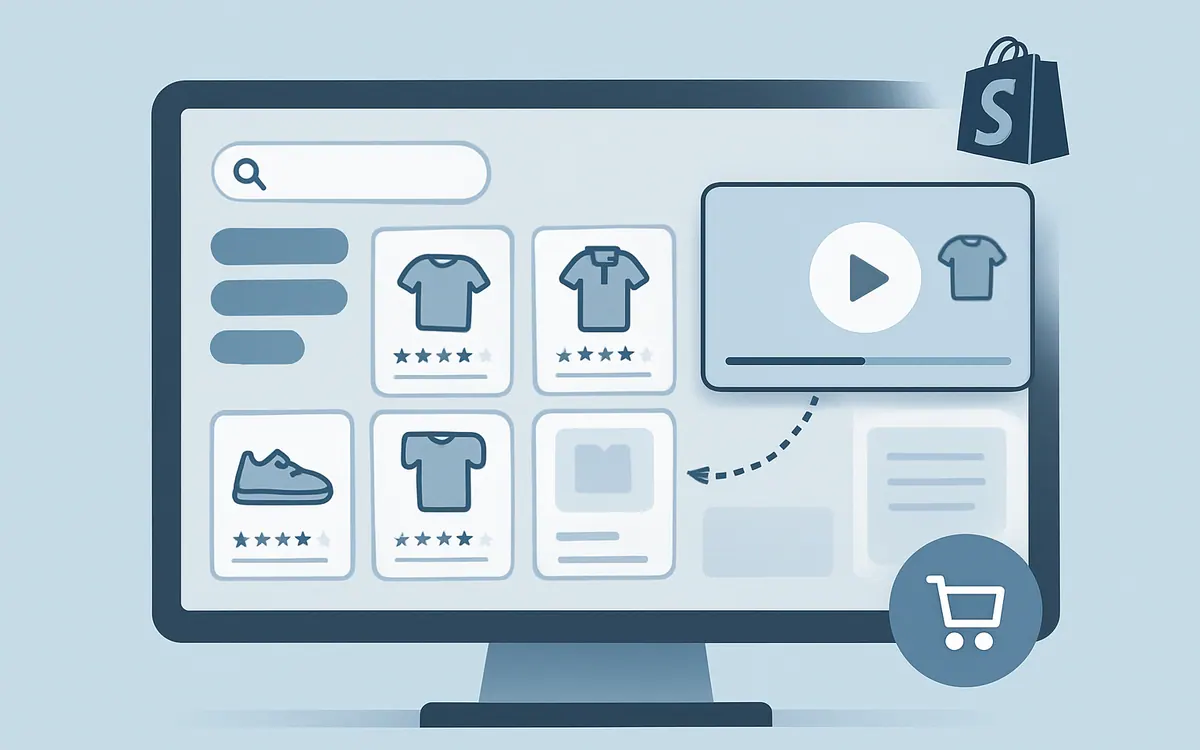
A Shopify search filter audit tool evaluates your store’s current search and filtering options to identify gaps, inefficiencies, and opportunities for improvement. This ensures customers can quickly find the products they want by attributes like size, color, price, and category—boosting both user experience and conversions.
How Does NiagaraT’s Hyper Search & Filter Audit Tool Work?
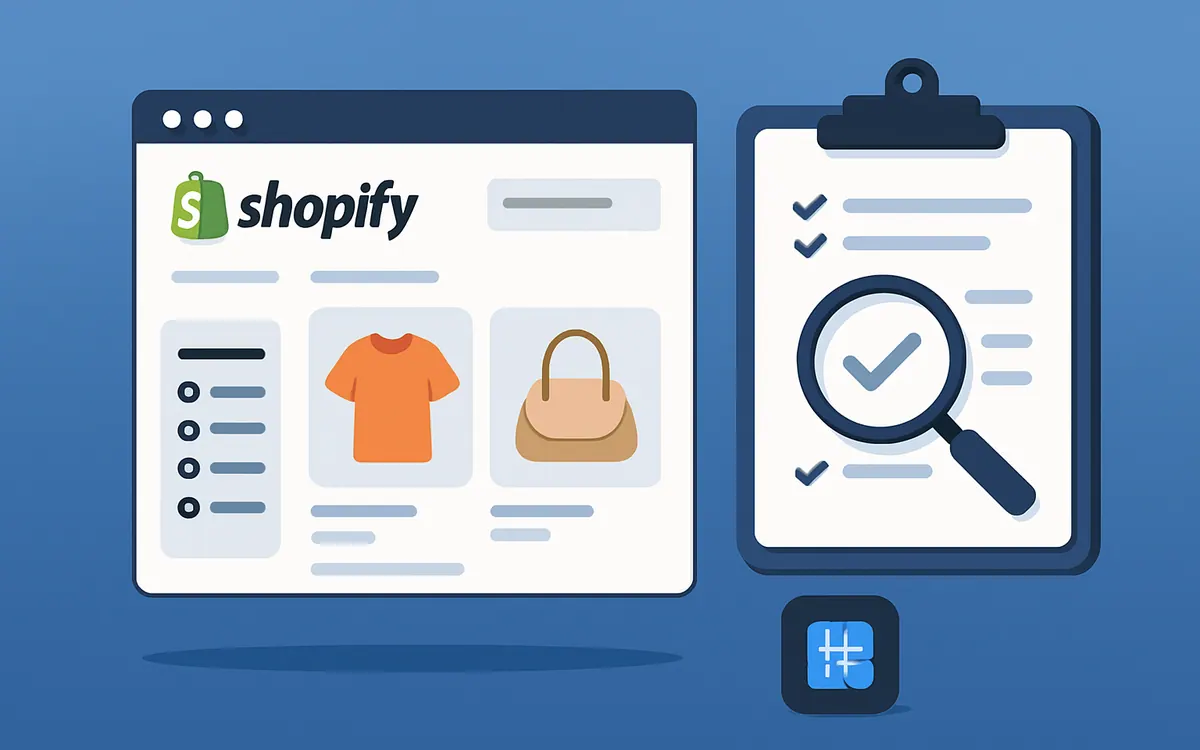
NiagaraT’s audit tool scans your Shopify store’s search and filter setup, detects missing or misconfigured filters, and analyzes search term engagement. It provides actionable insights and reports to help you fix issues, configure precise filters, and optimize the search experience without manual guesswork.
Can This Tool Help Me Optimize Shopify’s Native Search & Discovery Features?
Yes. The audit tool complements Shopify’s native Search & Discovery app by pinpointing how filter conditions and search settings interact with your product catalog. It guides you on leveraging Shopify’s built-in tools more effectively or deciding when to integrate advanced Hyper Apps features.
How Do I Start Using the Hyper Search & Filter Audit Tool?
Simply install the tool from NiagaraT's Hyper Apps lineup and run a full search and filter audit on your product collections. The reports generate a prioritized list of fixes and optimization steps. For detailed strategies and additional Shopify SEO tips, visit our Resources page.
What Metrics Should I Monitor to Track Search & Filter Improvements?
Key metrics include filter usage rates, internal site search terms, bounce rates after search, and conversion rates from filtered product lists. Regularly auditing these can reveal trends and guide ongoing optimization.
Comparison of Shopify’s Search & Discovery vs. Hyper Search & Filter Audit Tool
| Feature | Shopify Search & Discovery | NiagaraT Hyper Search & Filter Audit Tool |
|---|---|---|
| Filter Creation | Manual setup | Automated filter audit and recommendations |
| Search Term Analysis | Basic reporting | Deep audit with actionable insights |
| Ease of Configuration | Standard Shopify interface | Guided and prioritized optimizations |
| Integration | Shopify native | Integrates seamlessly, enhances discovery |
FAQ
Q: Is the Hyper Search & Filter Audit Tool free to try? A: Information about trial availability is provided directly on NiagaraT's site and app listings.
Q: Will this tool slow down my store’s loading times? A: The tool is designed to run audits without impacting customer-facing page speed.
Q: Can I use this audit tool alongside other third-party Shopify filter apps? A: Yes. It’s compatible and can help optimize how those apps work with your catalog.
Q: How often should I run a search and filter audit? A: Regular audits every 3-6 months or after major catalog changes are recommended for best results.
As of July 2026, stay ahead in product discovery by continually optimizing your Shopify search and filter settings with NiagaraT's Hyper Apps.