What are the essential steps to implement an AI chatbot on Shopify?
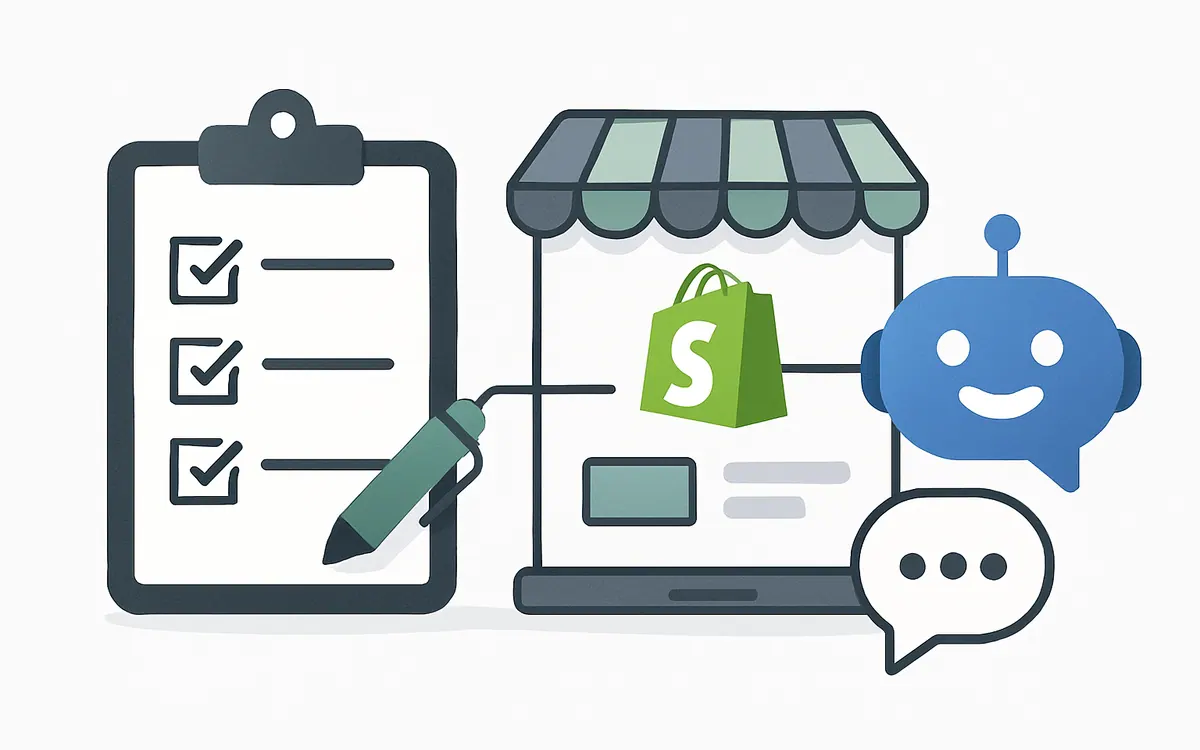
Implementing an AI chatbot on your Shopify store involves several crucial steps to ensure it integrates seamlessly and delivers value. Start by auditing your recent customer inquiries to identify common questions and pain points. Next, select a Shopify-compatible AI chatbot app that fits your store's requirements, such as Hyper AI Chat on the NiagaraT platform. After installation, customize predefined responses and create product feeds that the chatbot can reference. Define clear prompts and escalation rules to hand over complex issues to human agents. Finally, continuously test and optimize the chatbot's performance based on customer interactions.
How does an AI chatbot improve customer support and store efficiency?
An AI chatbot automates routine customer interactions, helping to reduce support tickets and response times. It can answer FAQs instantly, guide customers through product discovery, and provide updates on orders. By handling common queries without human intervention, your support team can focus on more complex issues, increasing overall efficiency. Additionally, AI chatbots help capture leads and drive conversions via conversational marketing techniques tailored to your Shopify store.
What best practices can help maximize AI chatbot ROI on Shopify?
To maximize ROI when implementing an AI chatbot, ensure your chatbot data sources are accurate and regularly updated. Personalize chatbot conversations to reflect your brand voice and products clearly. Incorporate analytics to track user interactions and identify areas for improvement. Educate your team on managing chatbot handovers for seamless escalation. Keep compliance and privacy considerations in mind when capturing customer data. Finally, iterate frequently based on customer feedback and performance metrics.
Which Shopify apps integrate well with Hyper AI Chatbots?
Hyper AI Chat integrates smoothly with popular Shopify apps such as Shopify Inbox for unified messaging, and automation tools like Zapier for workflow triggers. For advanced functionality, pairing Hyper AI Chat with customer data platforms and analytics apps enables deeper insights into shopper behavior. Consider leveraging NiagaraT's apps directory for complementary tools that enhance AI chatbot capabilities.
Where can I download a free Shopify AI chatbot implementation checklist?
For a structured guide covering setup, configuration, testing, and optimization tips, you can download NiagaraT's free Shopify AI chatbot implementation checklist from our resources page. This checklist simplifies your rollout process and ensures no critical steps are missed.
Key Steps in Shopify AI Chatbot Implementation
| Step Number | Action Item | Description |
|---|---|---|
| 1 | Audit Support Tickets | Analyze recent inquiries to identify top chatbot use cases. |
| 2 | Choose Chatbot App | Select a Shopify-compatible AI chatbot like Hyper AI Chat. |
| 3 | Customize Responses | Tailor predefined answers and product data feeds. |
| 4 | Configure Escalation Rules | Set handover triggers for complex customer queries. |
| 5 | Test and Iterate | Monitor chatbot interactions and adjust accordingly. |
| 6 | Train Support Team | Align agents on chatbot limits and escalation processes. |
| 7 | Monitor Analytics | Use data insights to continuously improve chatbot ROI. |
Frequently Asked Questions (FAQ)
How long does it usually take to set up an AI chatbot on Shopify?
Setup time varies depending on store complexity and customization needs but typically ranges from a few hours to a couple of days.
Can I customize the chatbot's language and behavior?
Yes, most Shopify AI chatbot apps, including Hyper AI Chat, allow full customization of language style, answer scripts, and user flows.
Will the chatbot work on mobile devices?
All Shopify chatbots are designed to be fully responsive and accessible on mobile and desktop browsers.
Is it necessary to have developer skills to implement an AI chatbot?
Basic implementation requires minimal coding, but advanced customization may benefit from developer support.
How do I know if the AI chatbot is effective post-launch?
Use analytics dashboards to review engagement, resolution rates, and customer satisfaction metrics regularly.
As of July 2026