Custom Product Filters in Shopify: Setup & Filtering Guide
Are your customers struggling to find the perfect product amidst a sea of options in your Shopify store? Custom product filters are the answer, transforming a potentially frustrating shopping experience into an intuitive journey that lets customers easily navigate available filters. This guide will walk you through setting up and optimizing these essential tools, ensuring your customers always find exactly what they're looking for.
Understanding Product Filters in Shopify
In the vast landscape of e-commerce, Product filters serve as critical navigational tools that help customers discover products that match their specific requirements. within your online store, ensuring that the search bar is optimized for user convenience. They empower customers to narrow down extensive product selections based on specific criteria, significantly enhancing their ability to discover relevant items without sifting through countless irrelevant ones. Effective product filtering in Shopify is paramount for a streamlined shopping journey.
What Are Custom Filters?
Custom filters are advanced filtering options that extend beyond Shopify's own search capabilities, allowing you to define specific attributes for your products, such as material, style, or specific dimensions, through metafields. Unlike basic product type or vendor filters, these enable a highly personalized and granular filtering experience, giving customers precise control over their search parameters.
Benefits of Using Filters in Your Shopify Store
Implementing robust filters in your Shopify store dramatically improves the user experience by ensuring customers can easily find products that match their needs. They enable customers to quickly find exactly what they're looking for, reducing frustration and decreasing bounce rates. This enhanced product discovery directly leads to increased conversion rates, as shoppers can efficiently navigate your collection pages and search results to locate desired items, ultimately boosting sales.
Types of Product Filters Available
Shopify provides various filter options, ranging from basic attributes like product type, price, and vendor to more advanced custom filters utilizing metafields, ensuring that products that match customer needs are easily found. While Shopify's built-in collection filters offer a foundational level of sorting, integrating multiple filter options can elevate the shopping experience by utilizing storefront filters to show you how to add filters you want. Apps like Hyper Search Product Filters allow merchants to create custom filters based on any product metafields, offering unparalleled flexibility and a superior user experience for products that match customer preferences. beyond Shopify's native capabilities.
Setting Up Custom Filters in Shopify
Step-by-Step Guide to Create Custom Filters
To create custom filters effectively within your Shopify store, you should edit filters to align with your products and customer preferences.
- Start by defining the specific product attributes you want customers to filter by. These attributes are often stored as product metafields and form the backbone of your filtering system.
- Use an app like Hyper Search Product Filters to navigate to the filter settings within the Shopify admin. From there, begin to create filters using these metafields, ensuring each filter option aligns with relevant product data and the number of products available.
This process empowers you to offer highly personalized product filtering in Shopify.
How to Add Product Filters to Your Online Store
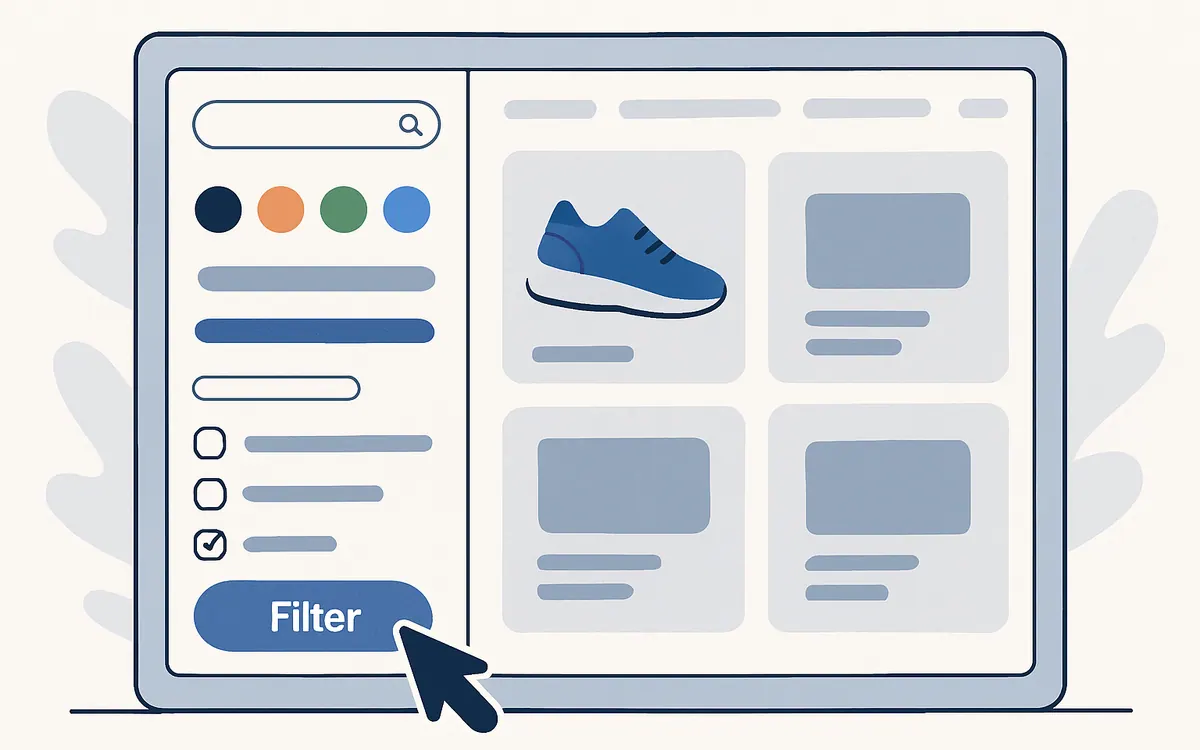
Adding product filters to your online store involves integrating them seamlessly into your collection pages and search results. After creating your custom filters, you'll need to configure their placement and appearance. Most filtering apps provide intuitive interfaces to display filters on the sidebar of your collection and search pages. This ensures that customers can easily access and utilize these filter options, making it simpler for them to find exactly what they're looking for, ultimately enhancing the overall user experience and product discovery in your Shopify store.
Editing and Displaying Filters Effectively
Once your filters are set up, regularly editing and displaying filters effectively is crucial for optimal performance. This includes several key actions to enhance the search and discovery app functionality.
- Refining filter labels, reordering filter values, and adjusting the filter type to best suit your products and customer needs is essential for creating effective storefront filters.
- Customizing how these filters appear within the Shopify admin or through your discovery app, ensuring they are intuitive and easy for customers to use.
An optimized display of filters in Shopify helps customers find products more efficiently, enhancing their shopping journey.
Comparing Shopify Product Filtering Solutions
Features of Our Custom Filters vs. Competitors
When comparing the features of our custom filters with competitors, Hyper Search Product Filters stands out with its advanced search bar capabilities that enhance the ability to find products that match user queries. While competitors provide good filtering capabilities, our discovery app offers unparalleled flexibility in leveraging product metafields, allowing merchants to create custom filters based on any metafield, offering a more granular and specific filtering experience. This means you can customize your filter options far beyond standard product type or vendor filters, ensuring customers find precisely what they're looking for with greater ease and accuracy, outperforming basic Shopify search.
| Feature | Hyper Search Product Filters | Competitors (e.g., Searchanise) also offer filtering solutions, but our custom filters provide a more tailored experience for products that match specific customer needs. |
|---|---|---|
| Product Metafield Integration is crucial for creating effective filters in the Shopify. | Unparalleled flexibility; create custom filters based on any metafield to enhance the filters for your store. | Good filtering capabilities are essential for a successful search and discovery app. |
| Customization Scope includes the ability to create filters for your store that cater to specific product variants and customer preferences. | Far beyond standard product type or vendor filters. | Standard filtering capabilities can be enhanced by utilizing advanced filters for your store. |
Pain Points Addressed by Our Discovery App
Our discovery app, Hyper Search Product Filters, specifically addresses key pain points often left unaddressed by competitors, particularly in the search and discovery app space.. Merchants frequently struggle with the limitations of Shopify's own search and basic collection filters, which often lack the depth needed for diverse product catalogs. Our solution directly tackles this by enabling comprehensive custom filters from all product metafields, allowing for unique filter values and highly specific product filtering in Shopify. This empowers customers to truly narrow down search results, preventing frustration and enhancing product discovery, a common failing of many alternative filter and search solutions.
Why Choose Our Product Filtering Solution?
Choosing Hyper Search Product Filters for your Shopify store means opting for a superior product filtering solution designed to maximize customer satisfaction and boost conversions. Unlike generic filtering tools, our discovery app allows you to customize and create filters that truly reflect your unique product catalog, leveraging every possible metafield. This robust functionality ensures customers find exactly what they're looking for quickly and efficiently, far surpassing the capabilities of Shopify's native search or basic collection filters, making it an indispensable tool for any serious online store.
Advanced Filtering Techniques
Using Filter Values for Enhanced Discovery
Utilizing specific filter values is paramount for enhanced product discovery, especially when searching for products that match specific criteria. within your Shopify store, enhancing the overall user experience with effective filters in the Shopify. By meticulously defining and organizing filter values, you enable customers to refine their search with unparalleled precision. This means going beyond broad categories and offering granular selections, allowing shoppers to home in on exactly what they're looking for, leading to a significantly improved user experience and more successful conversions on your collection pages.
Creating Collection Filters for Better Organization
Creating comprehensive collection filters is essential for better organization and navigation within your online store. These filters allow you to segment your products effectively, making it easier for customers to browse specific categories without being overwhelmed. By implementing robust collection filters, you provide a structured shopping environment that guides customers through your product offerings efficiently, enhancing their ability to find relevant items and improving overall product filtering in Shopify.
Implementing Basic Filters for Quick Setup
Implementing basic filters offers a quick and effective way to enhance the initial product filtering in Shopify, especially for stores just starting out. While not as granular as custom filters leveraging metafields, basic filters like product type, price, and vendor can still significantly improve the customer experience by providing immediate navigational tools. This allows customers to quickly narrow down search results, offering a foundational level of product discovery on collection pages before diving into more advanced filter options.
Optimizing Shop for Better Search Experience
Utilizing Shopify Search for Increased Visibility
To optimize your shop for a better search experience, effectively utilizing Shopify's own search functionality is crucial for increased product visibility. While native Shopify search provides a baseline, integrating a powerful discovery app like Hyper Search Product Filters can significantly amplify its capabilities and improve the search bar functionality. This allows you to create custom filters that go beyond basic product attributes, ensuring customers find exactly what they're looking for by leveraging detailed product metafields, thereby boosting the relevance of search results.
Best Practices for Product Filtering in Shopify
Adhering to best practices for product filtering in Shopify, as outlined in the Shopify Help Center, is vital for a seamless customer experience and maximizing conversions. This includes ensuring your filter labels are intuitive, organizing filter options logically, and utilizing product metafields to create custom filters that reflect unique product attributes. By following these guidelines, you empower customers to efficiently filter your products, significantly improving product discovery on collection and search pages and making it easier for them to find exactly what they're looking for.
Common Mistakes to Avoid When Adding Filters
When adding filters, it's crucial to avoid common mistakes that can hinder the user experience. One frequent error is creating too many filter options that overwhelm customers, or conversely, too few, making product discovery difficult. Another mistake is failing to consistently update product metafields, leading to inaccurate filter values. To truly enhance product filtering in Shopify, ensure filter labels are clear, relevant, and regularly maintained within the Shopify admin, helping customers find precisely what they're looking for.